Per-user cost compounds
Compare the number of licensed users, the price for each user and the renewal period. Add separately priced PDF, image or other tools only where they are actually purchased and could be replaced.

HOLLY SUITE / INDEPENDENT SOFTWARE DEVELOPMENT
I set out to build a free productivity suite: documents, spreadsheets and presentations, then PDF, drawing, pictures, browsing and mail. The challenge extends from the interface to the files people already depend on—and the recurring cost of equipping every user.
EXPLORE THE APPLICATIONS
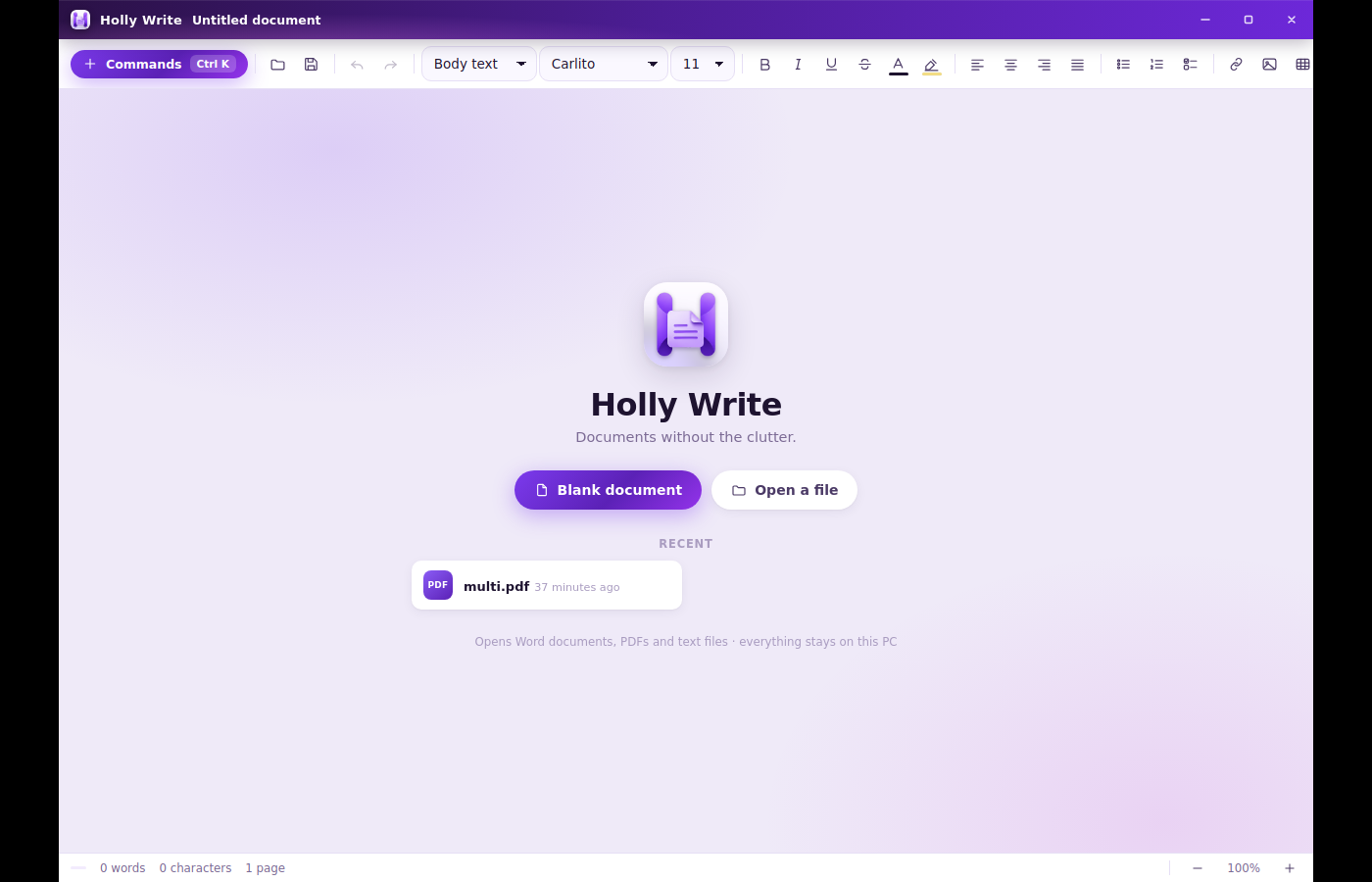
HOLLY WRITE
Document editing, DOCX handling and the difficult details of page layout, orientation, pictures and printing.
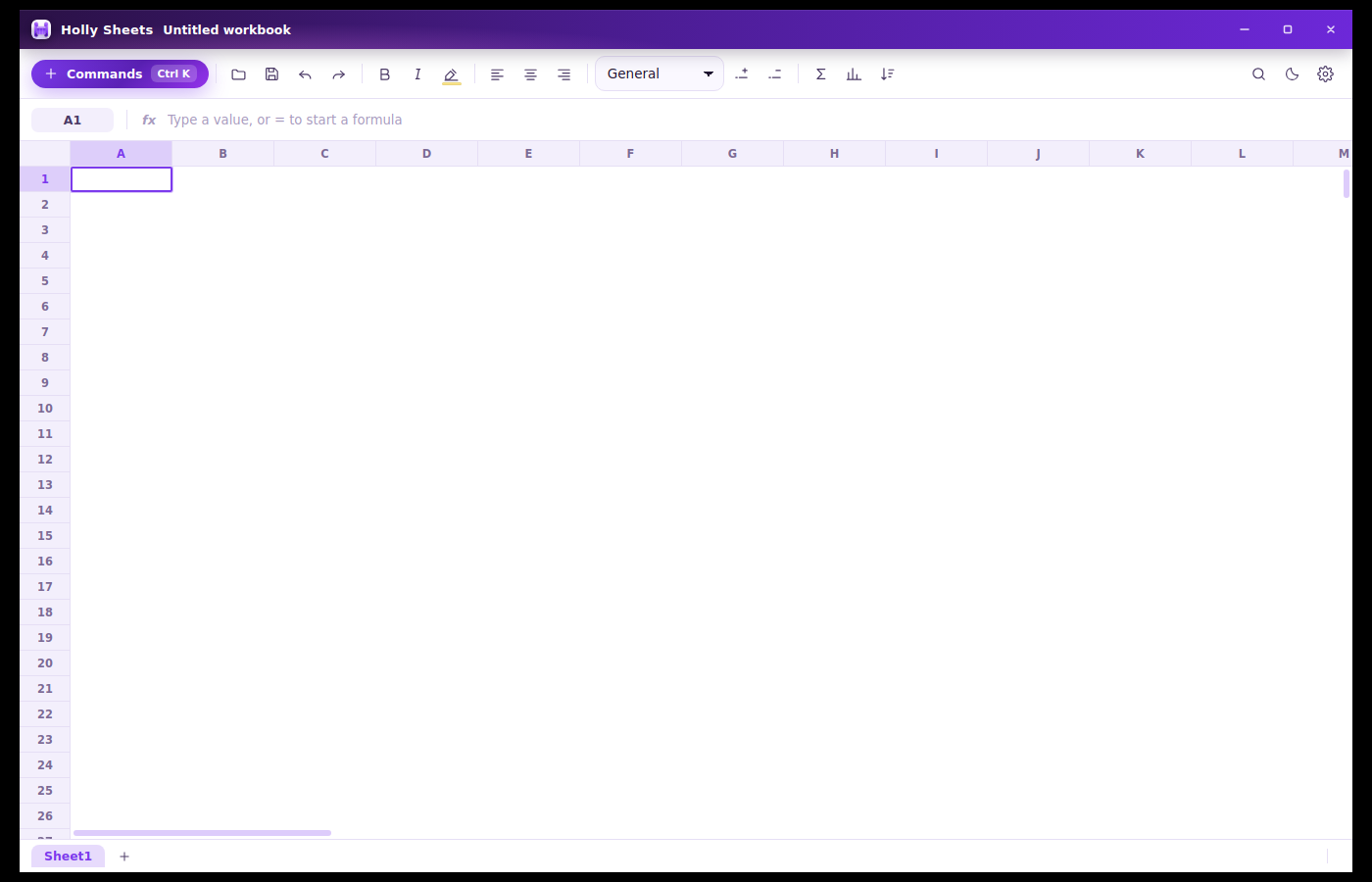
HOLLY SHEETS
Spreadsheet workflows, workbook interchange and dedicated tests for calculations and file handling.
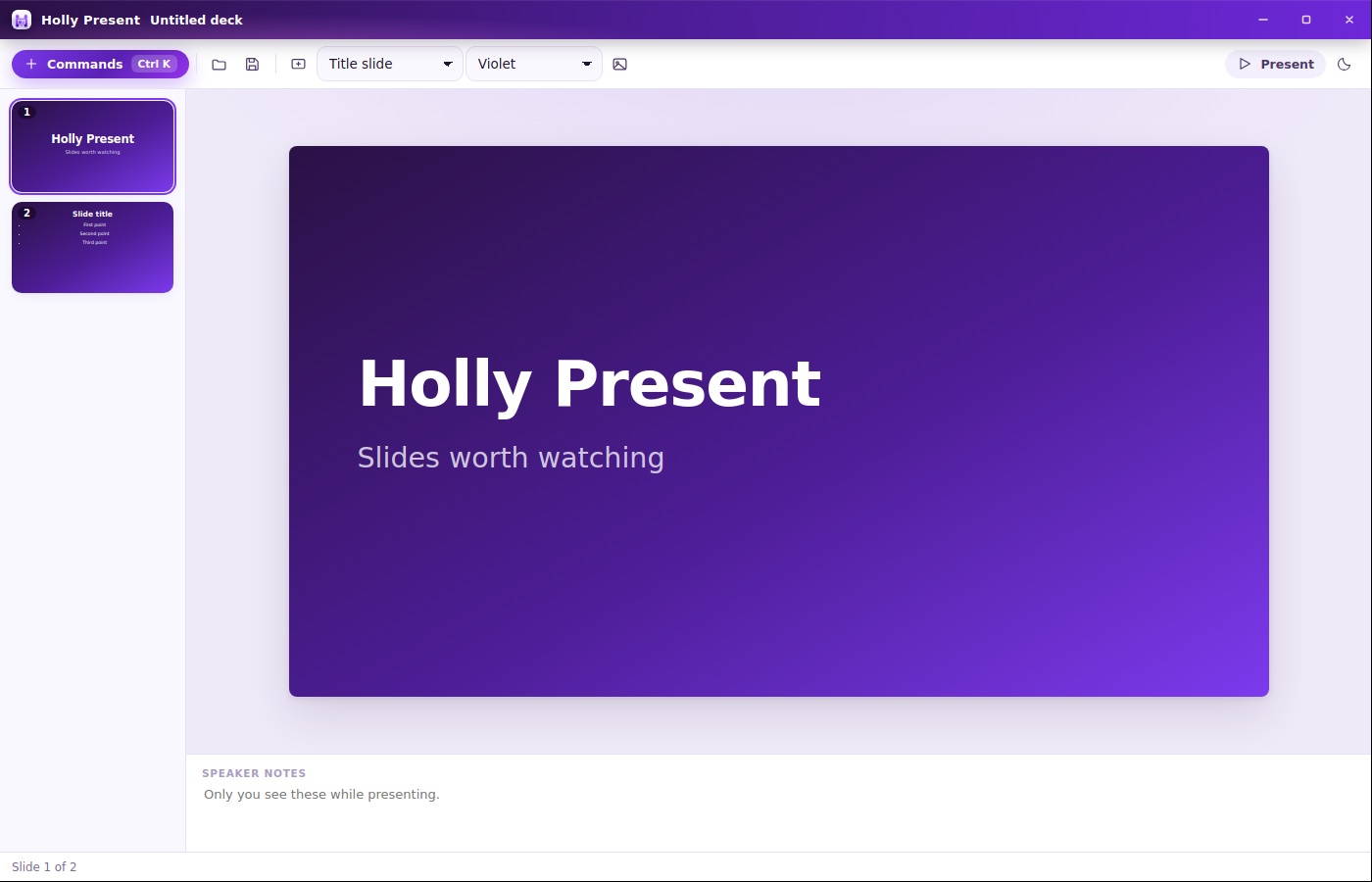
HOLLY PRESENT
Slide editing and PowerPoint interchange, supported by a fixture library covering text, shapes, pictures, tables and themes.
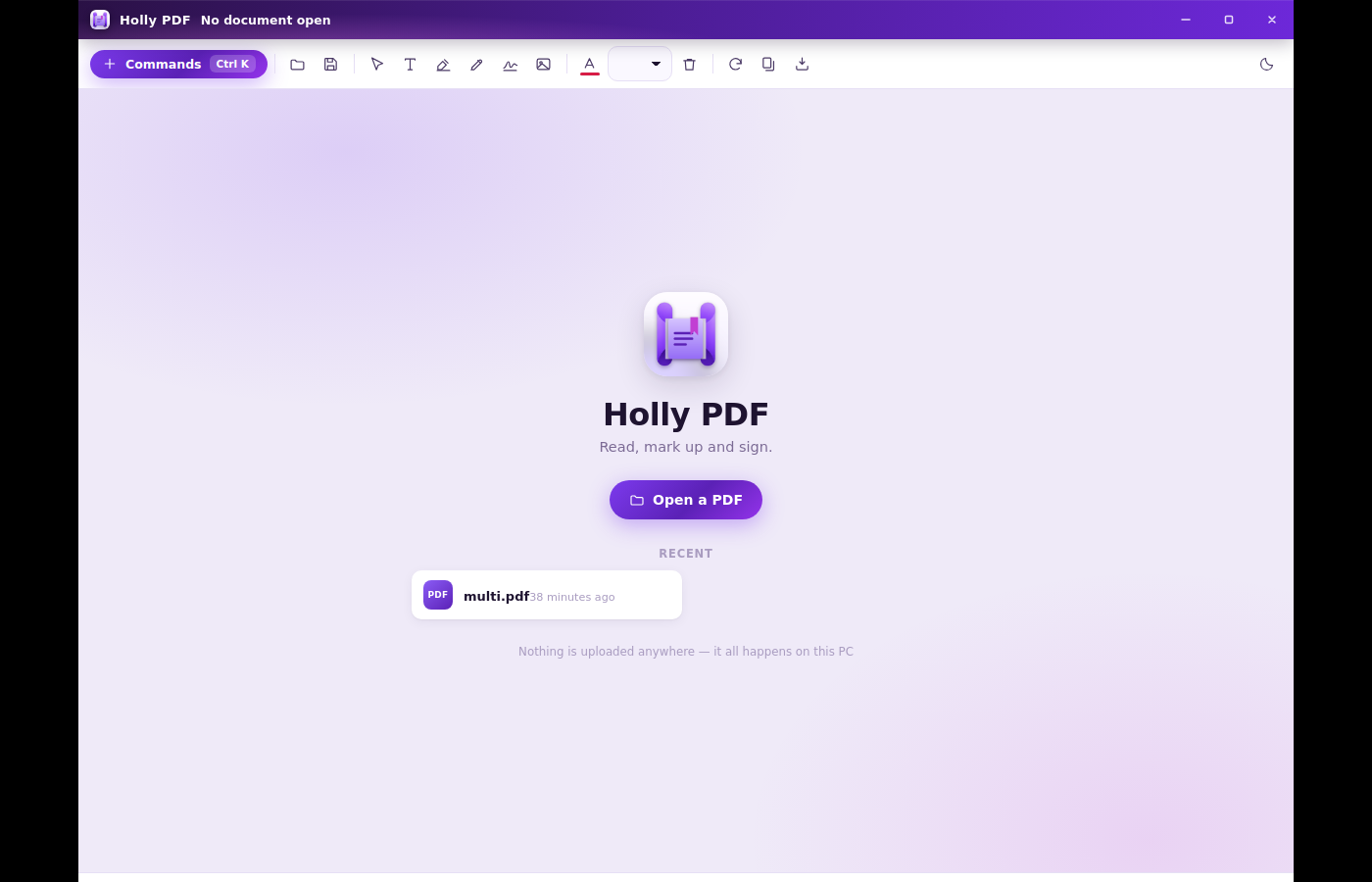
HOLLY PDF
A dedicated PDF application within the same suite, with reading and document modification infrastructure.
HOLLY DRAW
A native drawing document format with SVG and PNG export. This example is an archived exported poster.

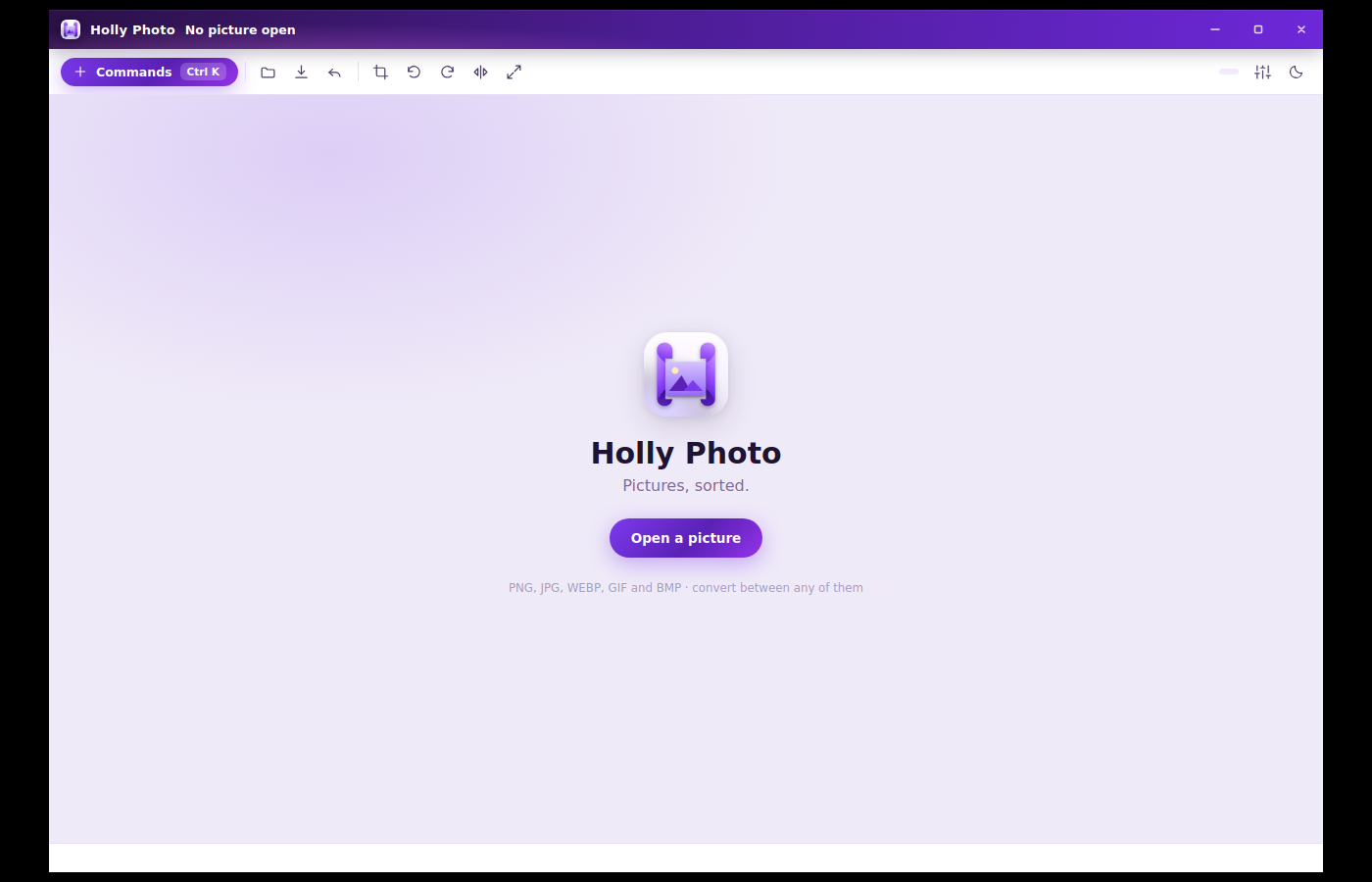
HOLLY PHOTO
A dedicated picture application with common image-format associations and a shared suite experience.
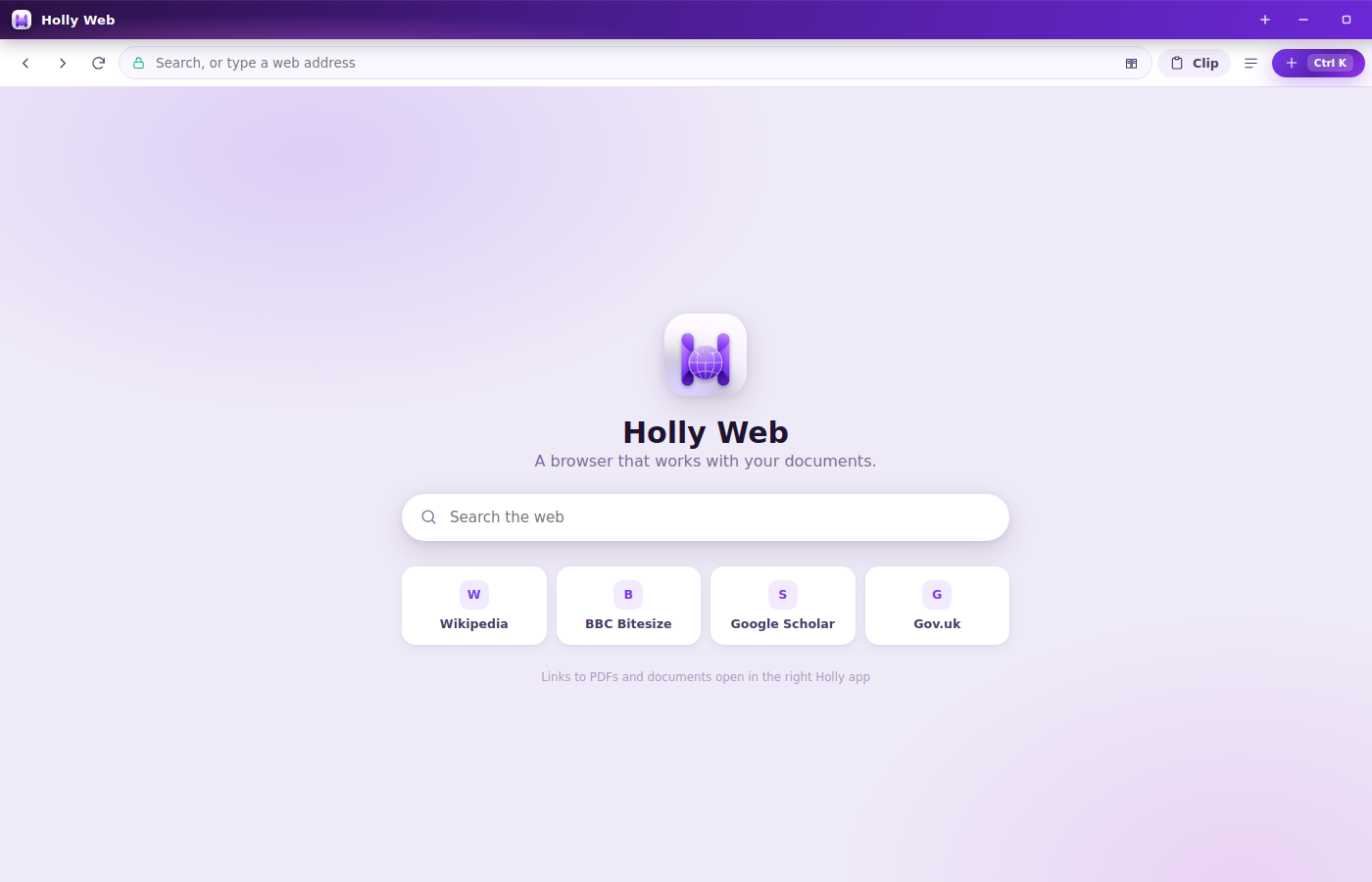
HOLLY WEB
A separate browser application in the suite. The archive shows its starting interface below.
HOLLY MAIL
A dedicated mail application with EML handling and IMAP/SMTP dependencies. Its architecture is described here; no mailbox content is published.
Read & compose · EML files · IMAP / SMTP
Architecture illustrationArchived application screens from the source package, presented as an interface tour. These are not running applications in your browser. The original interface colours are preserved.
MY CONTRIBUTION
I personally developed Holly Suite as a free alternative for everyday productivity. Its breadth required connecting eight applications into one desktop experience, while dealing with the different demands of documents, numbers, slides, pictures and communication.
My role includes direction, implementation and critical review. As in my other projects, I use AI as a tool within that work.
The archived implementation registers eight separate applications on a shared Electron runtime, with their own windows, icons and Windows application identities.
Page orientation, picture placement, undo, printing, backup and recovery are part of the development record. They matter because everyday software has to retain the user’s work through ordinary changes and mistakes.
The archive contains 45 top-level test scripts, including interoperability, recovery, pagination and regression checks. A presentation fixture library spans text, shapes, pictures, tables and themes. This review establishes their presence and scope; it does not claim a fresh passing test run.
THE COMMERCIAL REASON TO BUILD
I developed Holly with a commercial question in mind: how much of everyday productivity should depend on a recurring licence for every user? Across a team, a modest monthly price becomes a continuing operating cost. A free suite creates another option for the work it can reliably support.
Compare the number of licensed users, the price for each user and the renewal period. Add separately priced PDF, image or other tools only where they are actually purchased and could be replaced.
Monthly billing and a monthly commitment are different. Annual commitments, renewal dates, negotiated corporate rates, minimum quantities and unused licences all affect the decision.
Illustrative starting values, not a Microsoft price quote. Enter the organisation’s actual contracted rate, excluding VAT. This shows subscription expenditure to evaluate, not guaranteed Holly savings.
100 users × £10 per month × 36 months. Constant users and price; no VAT, discounts or future increases included.
A suite developed to be free, removing a per-user application subscription as the intended business model. Commercial rollout still needs clear distribution and dependency licence terms, a support plan and evidence that the required workflows work.
Allow for migration, training, compatibility testing, updates, security, administration and support. Existing cloud storage, hosted email, collaboration, identity and compliance services may still be needed; a desktop suite does not automatically replace them.
Evaluate by role: identify users and tasks Holly can serve, trial representative documents and then measure the licences that can actually be retired. Avoid counting an entire enterprise bundle as a saving when its other services remain necessary.
Reference: Microsoft’s business subscription guidance explains monthly and annual commitments and payment options. Current UK business plans show per-user pricing and VAT exclusions. Consult the organisation’s agreement for its actual terms.
COMPATIBILITY, EXPLAINED PROPERLY
The ambition is broad compatibility. The archive shows concrete import, export and preservation work, with different levels of support for different formats.
DOCX import/export, workbook handling and PowerPoint interchange are implemented. The archive includes LibreOffice-based interoperability checks. That is evidence of engineering effort, not a universal Microsoft Office fidelity guarantee.
The legacy DOC reader recovers text. It explicitly warns that original layout and pictures are not recovered; saving produces DOCX.
The presentation interface says macros are preserved without being run. Legacy PowerPoint file associations do not establish complete import or editing support.
A representative set of real documents should be opened, edited, saved and compared in both applications. Formatting, formulas, embedded content and print output need separate checks.
WHAT THIS PROJECT SHOWS
Ask me to walk through one application, a compatibility compromise and a regression I investigated. That conversation exposes the development decisions behind the screen.
Discuss Holly Suite ↗